Why You Need Instagram Tools
Posting great content isn’t enough anymore. The algorithm is more competitive than ever, and creators who rely on guesswork are falling behind. The right tools save hours each week and help you make data-driven decisions.
1. Unfollowers Tracker - Best for Audience Intelligence
Free | Chrome Extension
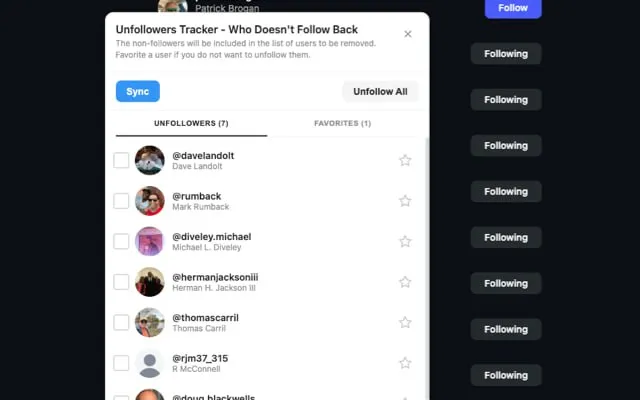
Understanding who follows and unfollows you is crucial for growth. Unfollowers Tracker gives you instant visibility into your follower dynamics.
When you need to instagram follower tracker, having the right tools makes all the difference.
Key Features:
- Real-time unfollower detection - track who unfollowed you instantly
- Non-followers identification
- Ghost follower detection
- 100% free, no premium tiers
Best For: Creators who want to maintain a healthy, engaged follower base.
2. Canva - Best for Visual Content Creation
Free plan available, Pro from $12.99/month
The industry standard for creating professional graphics, Stories, Reels covers, and carousel posts—even with zero design experience.
Key Features:
- Thousands of Instagram-optimized templates
- Brand kit for consistent colors and fonts
- Video editing for Reels
- Background remover and magic resize
Many Instagram users search for ways to instagram follower tracker safely and effectively.
Best For: Every creator. Whether you’re making quote graphics or complex carousels, Canva handles it all.
3. Metricool - Best All-in-One Budget Option
Free plan available, from $22/month
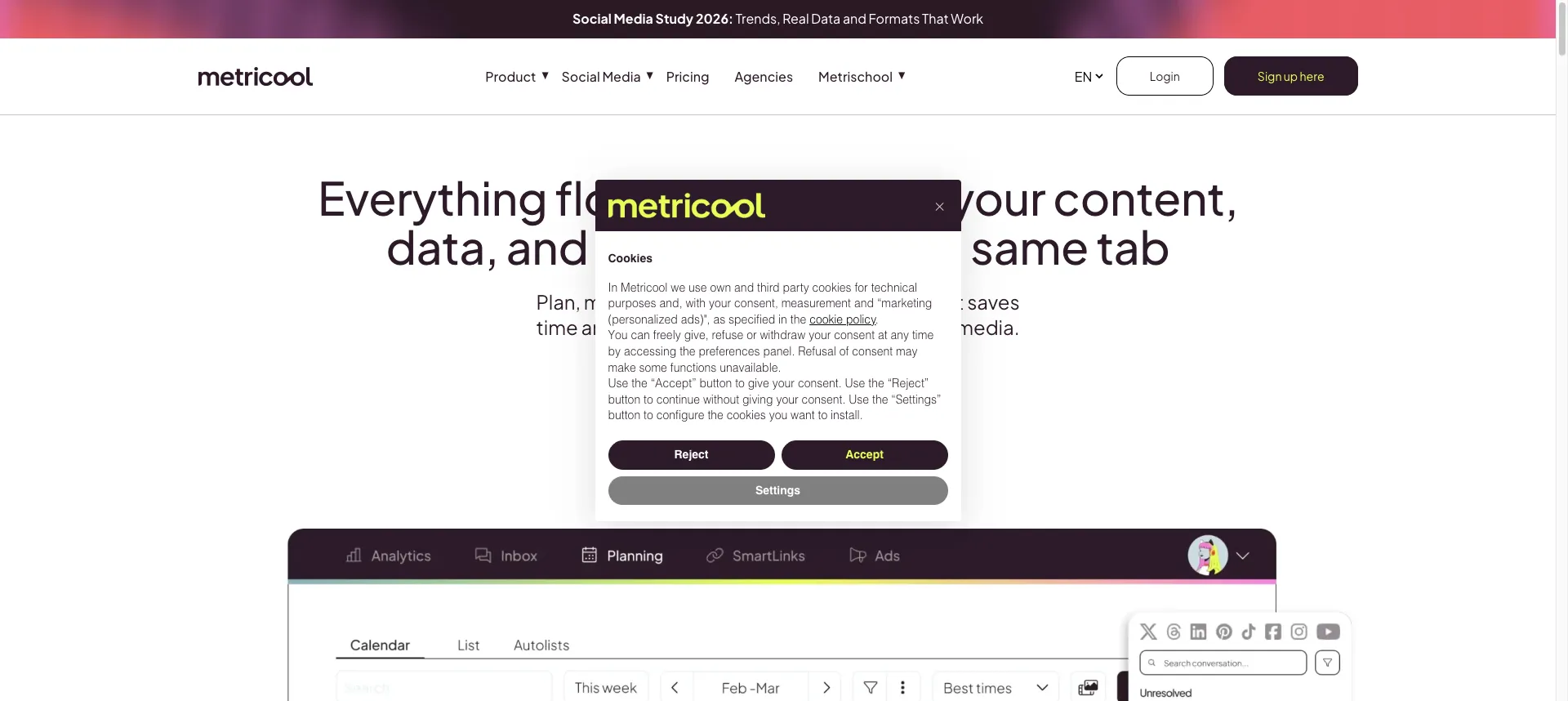
Impressive combination of analytics, scheduling, and competitor analysis at an affordable price.
The ability to instagram follower tracker helps you maintain a healthy Instagram presence.
Key Features:
- Unified analytics dashboard - track your follower growth and engagement metrics
- Content scheduling and auto-publishing
- Competitor analysis (track up to 100 competitors)
- Link in bio tool
Best For: Budget-conscious creators who want analytics and scheduling in one package.
Learning how to instagram follower tracker is essential for serious Instagram users.
4. Sprout Social - Best Enterprise Solution
From $249/month
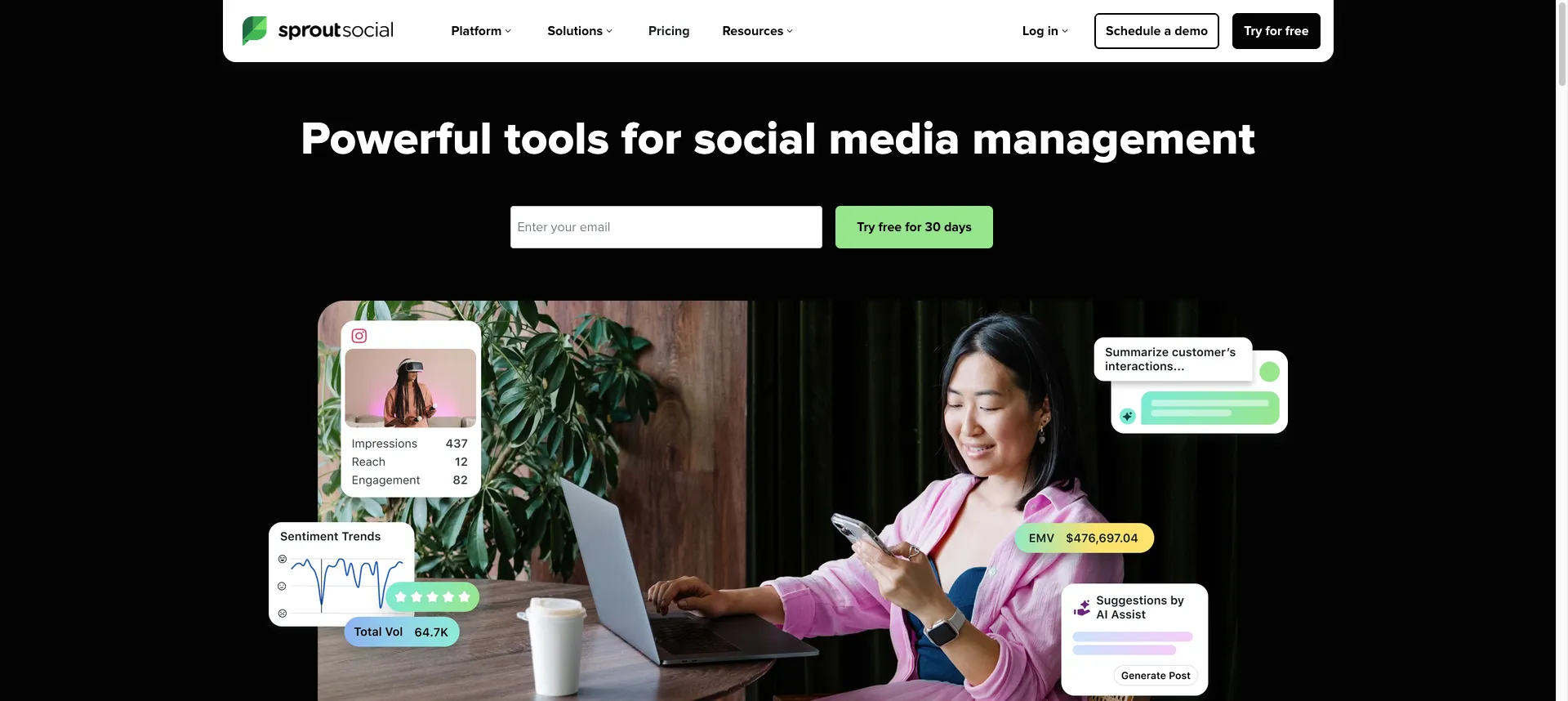
The gold standard for larger teams and agencies. Expensive, but the depth of features justifies the investment.
Key Features:
- Advanced analytics and custom reporting
- Social listening and sentiment analysis
- Team collaboration and approval workflows
- AI-powered insights
If you want to instagram follower tracker, consider using browser-based tools for safety.
Best For: Agencies and enterprise brands with dedicated social media teams.
5. ChatGPT / Claude - Best for Caption Writing
Free plans available, premium from $20/month
AI writing assistants have become indispensable for content creators. Use them for captions, hashtag ideas, and content brainstorming.
How Creators Use AI:
- Generate caption variations for A/B testing
- Brainstorm content ideas and hooks
- Create carousel post outlines
- Repurpose long-form content into posts
Best For: Creators who struggle with writer’s block or want to speed up content creation.
6. Later - Best for Visual Planning
Free plan available, from $25/month
Later pioneered the visual Instagram planner. Their grid preview lets you see exactly how your feed will look before posting.
Key Features:
- Visual planner with grid preview
- Linkin.bio for clickable links
- Best time to post analytics
- Auto-publishing for all content types
7. Pallyy - Best Budget-Friendly Scheduler
Free plan available, $25/month for premium
Built specifically for Instagram with a clean, intuitive interface.
Key Features:
- Visual content calendar with drag-and-drop
- Auto-publishing for posts, Reels, and Stories
- Hashtag manager and suggestions
- Inbox management for DMs and comments
8. CapCut - Best Free Video Editor
Free
With Reels dominating Instagram’s algorithm, video editing is non-negotiable. CapCut is the creator’s choice for short-form video.
Key Features:
- Professional editing tools (completely free)
- Trending effects and transitions
- Auto-captions with multiple styles
- No watermarks on exports
9. Iconosquare - Best User Interface
From $49/month
Combines beautiful design with powerful analytics. The UI is genuinely enjoyable to use.
Key Features:
- Industry-leading analytics dashboard
- Competitor tracking and benchmarking
- Automated reporting with custom branding
10. Social Status - Best Overall Analytics
From $29/month
Goes far beyond Instagram’s native insights with competitor benchmarking and automated reporting.
Key Features:
- Comprehensive performance dashboards
- Competitor analysis
- Historical data beyond Instagram’s 90-day limit
- Multi-platform support
Quick Start Guide
Just Starting Out (Free):
- Unfollowers Tracker - Understand your audience
- Canva (free plan) - Create professional content
- CapCut - Edit Reels like a pro
- Later or Pallyy (free plans) - Schedule content
Growing Seriously ($50-100/month):
Add paid scheduling and deep analytics tools.
Professional/Agency ($200-500+/month):
Sprout Social or Iconosquare for enterprise features.
FAQ
What’s the best free Instagram tool? Unfollowers Tracker for audience intelligence, Canva and CapCut for content creation.
How do I track who unfollowed me? Instagram doesn’t notify you. Use Unfollowers Tracker (free Chrome extension) to monitor changes.
Are automation tools safe? Stick to official API-based tools for scheduling. Avoid bots that simulate human behavior.
How often should I post? Quality over quantity. Most successful creators post 3-5 feed posts per week, daily Stories, and 4-7 Reels per week.
Conclusion
The right tools can save you hours each week and help you make data-driven decisions. Start with free tools like Unfollowers Tracker, Canva, and CapCut, then upgrade as you grow.
Ready to take control of your Instagram growth? Try our free Analyze Tool to get instant insights into your follower dynamics.