Managing Instagram from your desktop can be a game-changer for creators, marketers, and everyday users alike. While Instagram’s mobile app remains the primary platform, Chrome extensions for Instagram unlock powerful features that aren’t available natively—from tracking unfollowers to downloading content and scheduling posts.
In this comprehensive guide, we’ll explore the best Chrome extensions for Instagram in 2026, covering everything from follower management to content creation tools. Whether you’re a social media manager handling multiple accounts or an influencer looking to grow your audience, these extensions will supercharge your Instagram workflow.
Why Use Chrome Extensions for Instagram?
Before diving into our top picks, let’s understand why Instagram Chrome extensions have become essential tools:
- Desktop Convenience: Manage your Instagram account without constantly switching to your phone
- Enhanced Productivity: Batch download content, schedule posts, and analyze metrics efficiently
- Follower Insights: Track who unfollowed you, identify non-followers, and manage your audience
- Content Creation: Access features like story posting and reel uploading from your browser
- Time Savings: Automate repetitive tasks and streamline your Instagram workflow
Now, let’s explore the best Chrome extensions for Instagram organized by category.
Best Unfollower Tracker Extensions for Instagram
Unfollowers Tracker
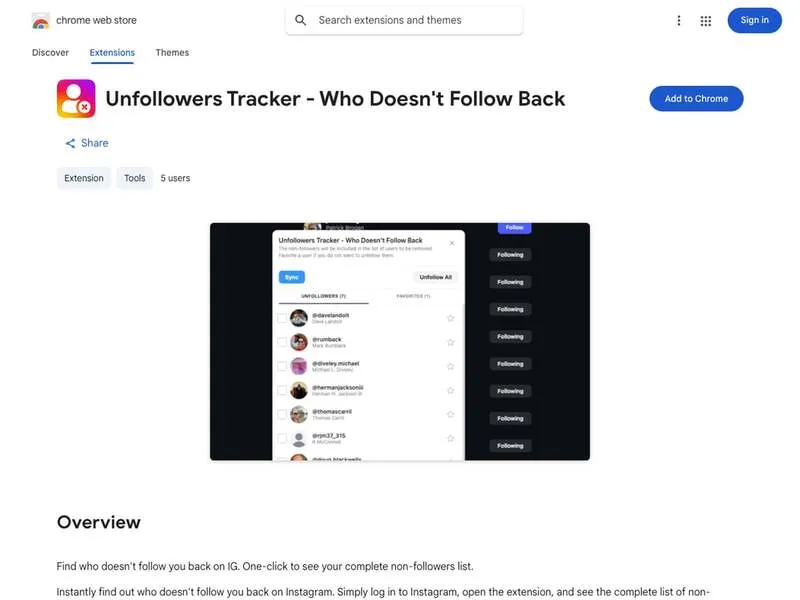
Rating: 5.0 | Users: 5,000+ | Install Free →
If you’ve ever wondered “who unfollowed me on Instagram?”, Unfollowers Tracker is your answer. This free Chrome extension provides instant, accurate insights into your follower dynamics without requiring your password. Check out our step-by-step guide to get started.
Key Features:
- Track who unfollowed you in seconds with 100% accuracy
- Identify users who don’t follow you back
- View new followers and recent unfollowers
- Safe and secure—no password required
- Completely free to use
Unlike many alternatives that require account access, Unfollowers Tracker works by analyzing your publicly available follower data directly through Instagram’s interface. This makes it one of the safest options for tracking your Instagram unfollowers.
Best For: Anyone who wants to maintain a healthy follower-to-following ratio and understand their audience better. For comprehensive strategies, see our follower management guide.
Unfollower Tracker for IG
Rating: 4.6 | Users: 30,000+
Another solid option for follower management, this extension helps you optimize your Instagram presence by tracking unfollowers and managing your connections effortlessly.
Key Features:
- Don’t Follow Me Back detection
- New follower tracking
- Unfollower history
- Export follower lists
- Clean, intuitive interface
Unfolks
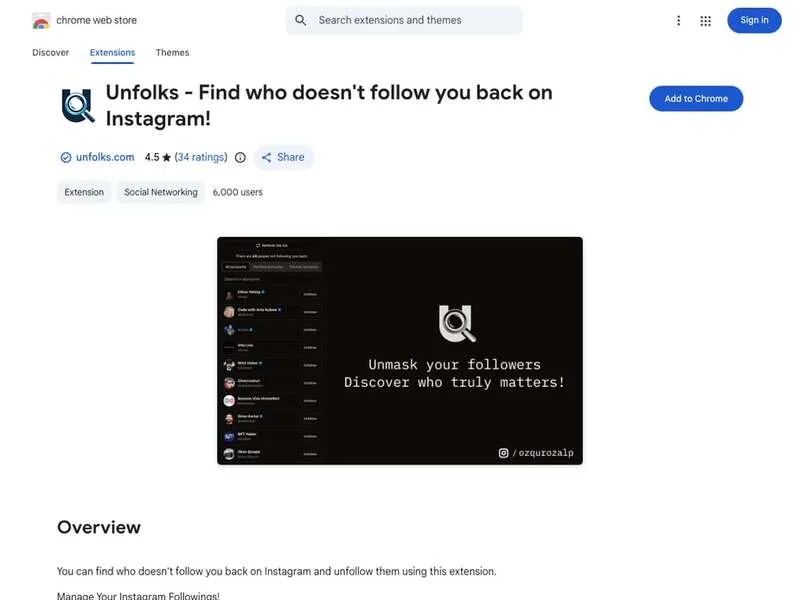
Rating: 4.6 | Users: 5,000+ | View Extension →
Unfolks takes a straightforward approach to finding who doesn’t follow you back on Instagram. The extension is lightweight and focuses on doing one thing well.
Key Features:
- Quick scan of non-followers
- One-click unfollow functionality
- Simple, no-frills interface
- Fast processing speed
Best Content Download Extensions for Instagram
Instagram Downloader – ToolMaster
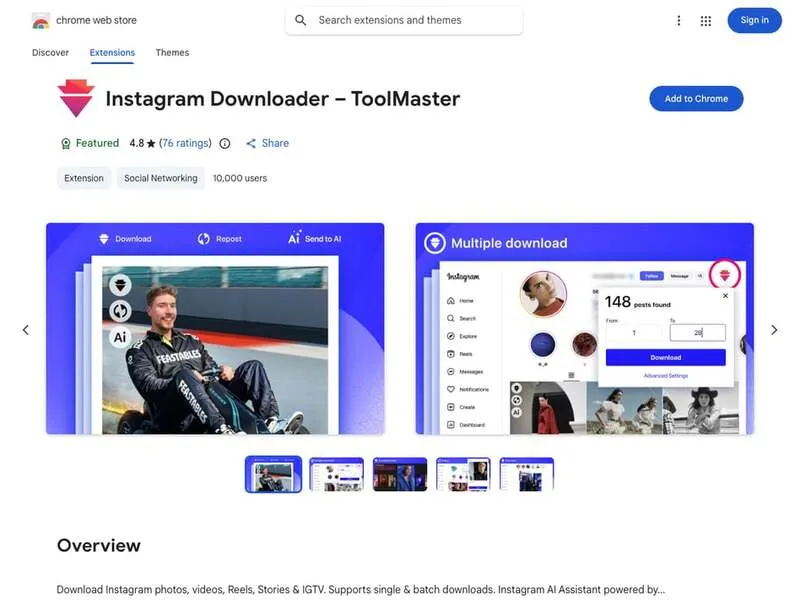
Rating: 4.8 | Users: 100,000+ | View Extension →
This all-in-one Instagram downloader is one of the most comprehensive options available. It supports virtually every type of Instagram content.
Key Features:
- Download photos, videos, Reels, Stories, and IGTV
- Single and batch download options
- High-resolution downloads without watermarks
- AI-powered assistant for enhanced functionality
- Fast and secure downloads
Best For: Content creators who need to save Instagram media for repurposing or archiving.
Turbo Downloader for Instagram
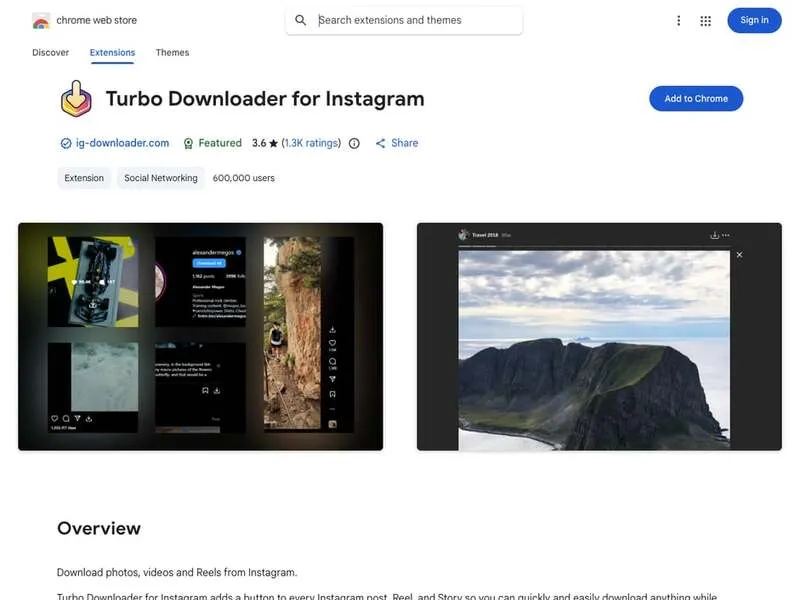
Rating: 3.6 | Users: 600,000+ | View Extension →
With over 600,000 users, Turbo Downloader is one of the most popular Instagram download extensions. It adds a convenient download button to every post.
Key Features:
- One-click downloads
- Support for photos, videos, and Reels
- Bulk download capability
- Organized folder structure by account
- Hotkey support for quick downloads
ESUIT | Photos Downloader for Instagram
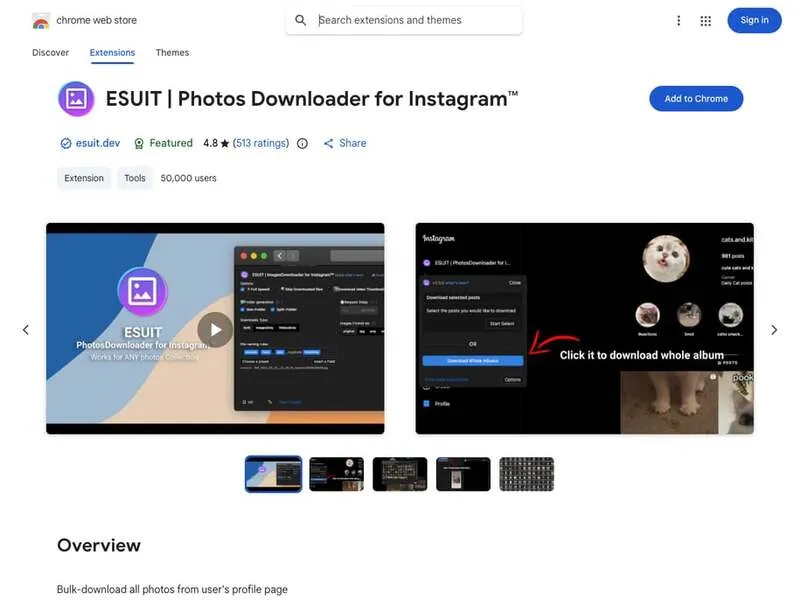
Rating: 4.8 | Users: 50,000+ | View Extension →
Specializing in photo downloads, ESUIT excels at bulk-downloading all photos from a user’s profile page—perfect for archiving or research purposes.
Key Features:
- Bulk download all photos from any profile
- High-quality image preservation
- Fast batch processing
- Simple one-click operation
Best Instagram Posting and Scheduling Extensions
INSSIST | Web Client for Instagram
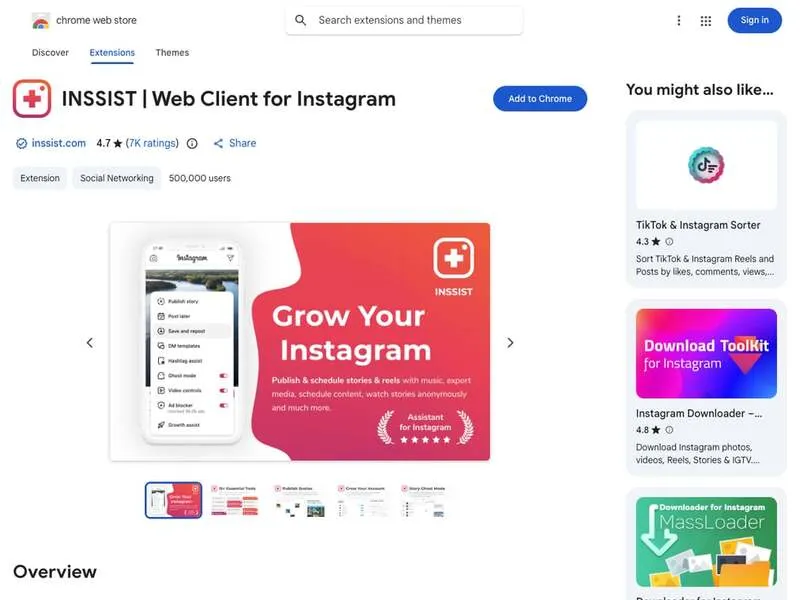
Rating: 4.7 | Users: 500,000+ | View Extension →
INSSIST is the #1 Instagram assistant for web, trusted by over 500,000 creators and businesses. It transforms your browser into a full-featured Instagram client.
Key Features:
- Post Stories, Reels, and photos directly from desktop
- Schedule posts in advance
- Track unfollowers and remove bots
- Download content
- Analytics and performance tracking
- Auto-engagement features for growth
Growth Stats:
- 2.5x accelerated growth
- 300+ organic followers per month potential
- 2M+ scheduled posts processed
Best For: Serious Instagram marketers and businesses who need comprehensive desktop management.
InLoad - App Client for Instagram
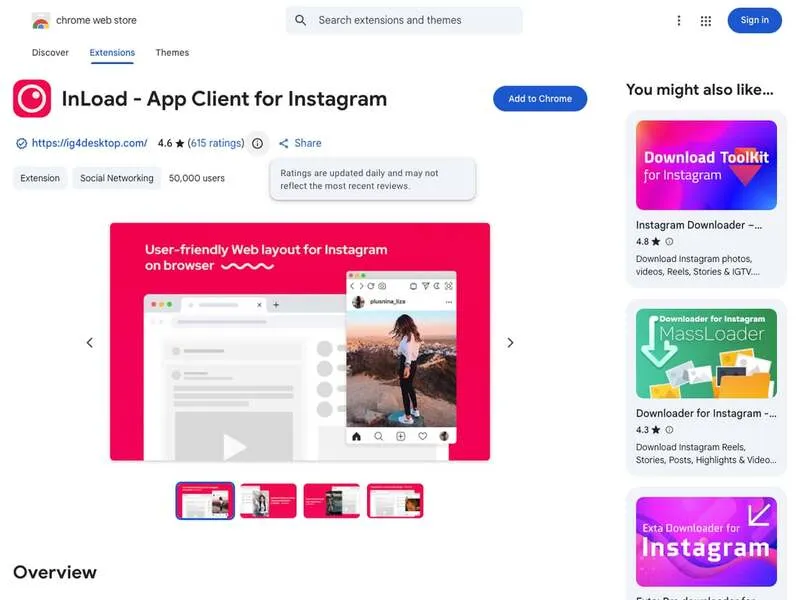
Rating: 4.6 | Users: 50,000+ | View Extension →
InLoad provides a simple yet effective way to manage Instagram from your desktop, combining downloading capabilities with posting features.
Key Features:
- Download photos, videos, Stories, and Reels
- Schedule posts directly
- Fast IGTV saving
- Clean interface
- Free to use
Best Instagram Analytics Extensions
Understanding your Instagram performance is crucial for growth. These extensions provide valuable insights:
IG Track - IG Follower & Unfollower Tracker
Rating: 4.5 | Users: Growing
This comprehensive tracker goes beyond basic unfollower detection to provide detailed analytics about your Instagram profile.
Key Features:
- Track follower and unfollower dynamics
- Identify accounts not following back
- Export data using Instagram’s official API
- Detailed engagement insights
- Historical tracking
InsTF - Track Instagram Follower & Unfollower
Rating: 5.0 | Users: 1,100+
Developed by Neo Ext Team, InsTF analyzes your Instagram followers and identifies those who aren’t following you back.
Key Features:
- Follower analysis
- Non-follower identification
- Clean reporting interface
- Regular updates
Best Instagram Productivity Extensions
Instagram Unfollow AI
This AI-powered extension automates the process of managing your following list, helping you maintain a clean and engaged audience.
Key Features:
- AI-powered non-follower detection
- Automated unfollow suggestions
- Profile optimization recommendations
- Completely free
How to Choose the Right Instagram Chrome Extension
With so many options available, here’s how to select the best extensions for your needs:
Consider Your Primary Goal
- Follower Management: Choose Unfollowers Tracker or similar tools
- Content Downloading: Opt for ToolMaster or Turbo Downloader
- Posting & Scheduling: INSSIST is the most comprehensive option
- Analytics: IG Track provides detailed insights
Check User Reviews and Ratings
Look for extensions with:
- High ratings (4.0+)
- Substantial user base
- Recent updates
- Responsive developer support
Verify Security Credentials
Safe extensions typically have:
- “Follows recommended practices” badge from Chrome
- Publisher verification
- Clear privacy policy
- No password requirements
Safety Considerations for Instagram Chrome Extensions
Understanding the Risks
Browser extensions can pose security risks if not chosen carefully. In 2025 alone, malicious browser extensions affected over 2.3 million users. Here’s what to watch for:
Red Flags to Avoid:
- Extensions requesting your Instagram password
- Excessive permission requests
- No clear developer information
- Very few reviews or ratings
- Promises that seem too good to be true
Best Practices for Extension Safety
- Only install from the Chrome Web Store: Avoid third-party sources
- Check the publisher: Look for verified developers
- Read reviews carefully: Pay attention to recent negative reviews
- Review permissions: Only grant necessary access
- Keep extensions updated: Updates often include security patches
- Limit the number of extensions: More extensions = more risk
- Use reputable extensions: Stick to well-known, highly-rated options
Why Unfollowers Tracker is Safe
Our Unfollowers Tracker extension prioritizes your security:
- No password required: Works without accessing your credentials
- Minimal permissions: Only requests what’s necessary
- Transparent operation: You can see exactly what it does
- Regular updates: Continuously improved for security and performance
Frequently Asked Questions
Can Chrome extensions see my Instagram password?
Legitimate Instagram Chrome extensions should never ask for your password. Extensions like Unfollowers Tracker work by analyzing data visible on Instagram’s interface, not by accessing your account credentials. If an extension requests your password, avoid it immediately. Learn more about no-password tracking.
Are Instagram Chrome extensions safe to use?
Most popular, well-reviewed extensions from the Chrome Web Store are safe. However, you should always:
- Check ratings and reviews
- Verify the developer
- Review requested permissions
- Stick to extensions with the “Follows recommended practices” badge
Can I get banned from Instagram for using Chrome extensions?
Instagram’s terms of service prohibit certain automated behaviors. To stay safe:
- Avoid extensions that automate likes, follows, or comments aggressively
- Don’t use extensions that scrape large amounts of data
- Stick to passive tools like downloaders and unfollower trackers
- Use scheduling tools in moderation
What is the best free Chrome extension for Instagram?
For unfollower tracking, Unfollowers Tracker offers the best free experience with accurate results and no password requirements. For content downloading, Instagram Downloader – ToolMaster provides comprehensive features at no cost. For all-in-one functionality, INSSIST offers a robust free tier. Want to dive deeper into analytics? Check out our guide on follower growth analytics.
How do I track who unfollowed me on Instagram?
The easiest method is using a Chrome extension like Unfollowers Tracker:
- Install the extension from the Chrome Web Store
- Navigate to Instagram in your browser
- Open the extension
- View your unfollower list instantly
No password or complex setup required.
Can I download Instagram Reels with a Chrome extension?
Yes! Several extensions support Reel downloads:
- Instagram Downloader – ToolMaster
- Turbo Downloader for Instagram
- INSSIST
Simply navigate to the Reel you want to download and click the download button added by the extension.
Do Instagram Chrome extensions work on other browsers?
Most Chrome extensions also work on Chromium-based browsers like:
- Microsoft Edge
- Brave
- Opera
- Vivaldi
Simply visit the Chrome Web Store from these browsers to install extensions.
How often should I check my Instagram unfollowers?
For most users, checking weekly is sufficient. However, if you’re:
- Running a business account: Check 2-3 times per week
- An influencer: Daily monitoring may be beneficial
- A casual user: Monthly checks are adequate
Tips for Maximizing Your Instagram Chrome Extensions
Combine Extensions Strategically
Don’t install every extension available. Instead, choose a focused toolkit:
- One unfollower tracker (like Unfollowers Tracker)
- One content downloader
- One scheduling tool (if needed)
Keep Extensions Updated
Outdated extensions can:
- Stop working due to Instagram changes
- Pose security vulnerabilities
- Miss new features
Enable automatic updates in Chrome settings.
Monitor Extension Performance
If you notice:
- Slower browser performance
- Instagram loading issues
- Unusual behavior
Try disabling extensions one by one to identify the culprit.
Conclusion
The right Chrome extensions for Instagram can transform how you manage your social media presence. From tracking unfollowers with tools like Unfollowers Tracker to downloading content and scheduling posts, these extensions bring desktop convenience to Instagram management.
Remember to prioritize security when choosing extensions—stick to reputable developers, check reviews, and never share your password with any extension. Start with an unfollower tracker to understand your audience, then expand your toolkit based on your specific needs.
Ready to take control of your Instagram experience? Install Unfollowers Tracker today and discover who’s really engaging with your content. It’s free, safe, and takes just seconds to reveal your unfollower insights.
Related Reading
- Best Instagram Unfollower Tracker 2026
- Is It Safe to Use Instagram Unfollower Apps?
- Top 10 Instagram Tools Every Creator Needs
Last updated: January 2026. We regularly review and update this guide to ensure accuracy and relevance.