Short answer: No, you can’t see a complete list of what someone likes on Instagram. Instagram removed the “Following Activity” tab in 2019, and there’s no way to view all posts someone has liked.
When you need to instagram follower tracker, having the right tools makes all the difference.
But there ARE a few things you can still do. Let’s break it down.
What Instagram Removed (And Why)
Before October 2019, Instagram had a “Following Activity” tab that showed everything your friends liked, commented on, and followed. It was basically a stalking feature.
Instagram removed it because:
- Users felt watched and uncomfortable
- It caused relationship drama
- People liked fewer posts knowing others could see
Many Instagram users search for ways to instagram follower tracker safely and effectively.
This feature is gone forever. Any app claiming to bring it back is a scam.
Method 1: Check If Someone Liked a Specific Post
This is the only reliable way to see if someone liked something on Instagram.
How to do it:
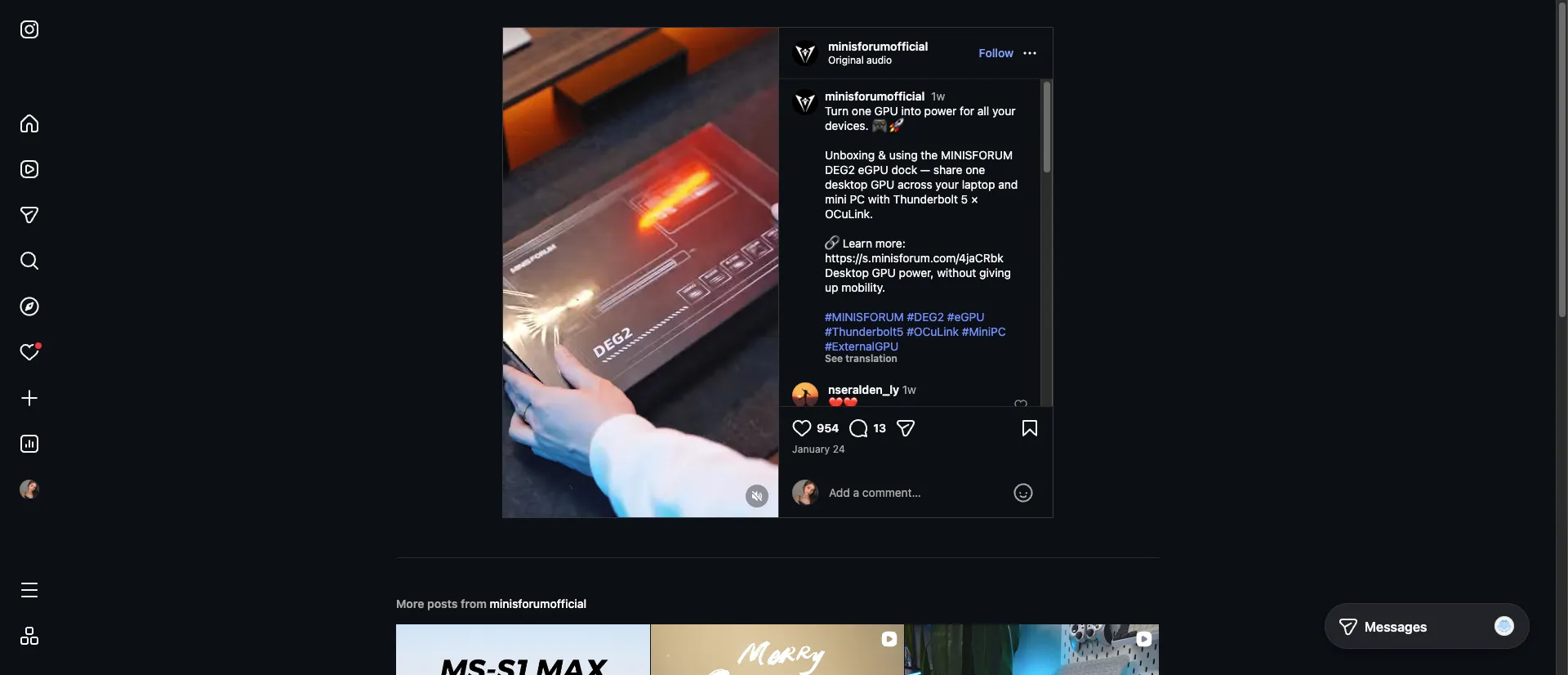
- Go to any post (yours or someone else’s)
- Tap the number of likes below the post
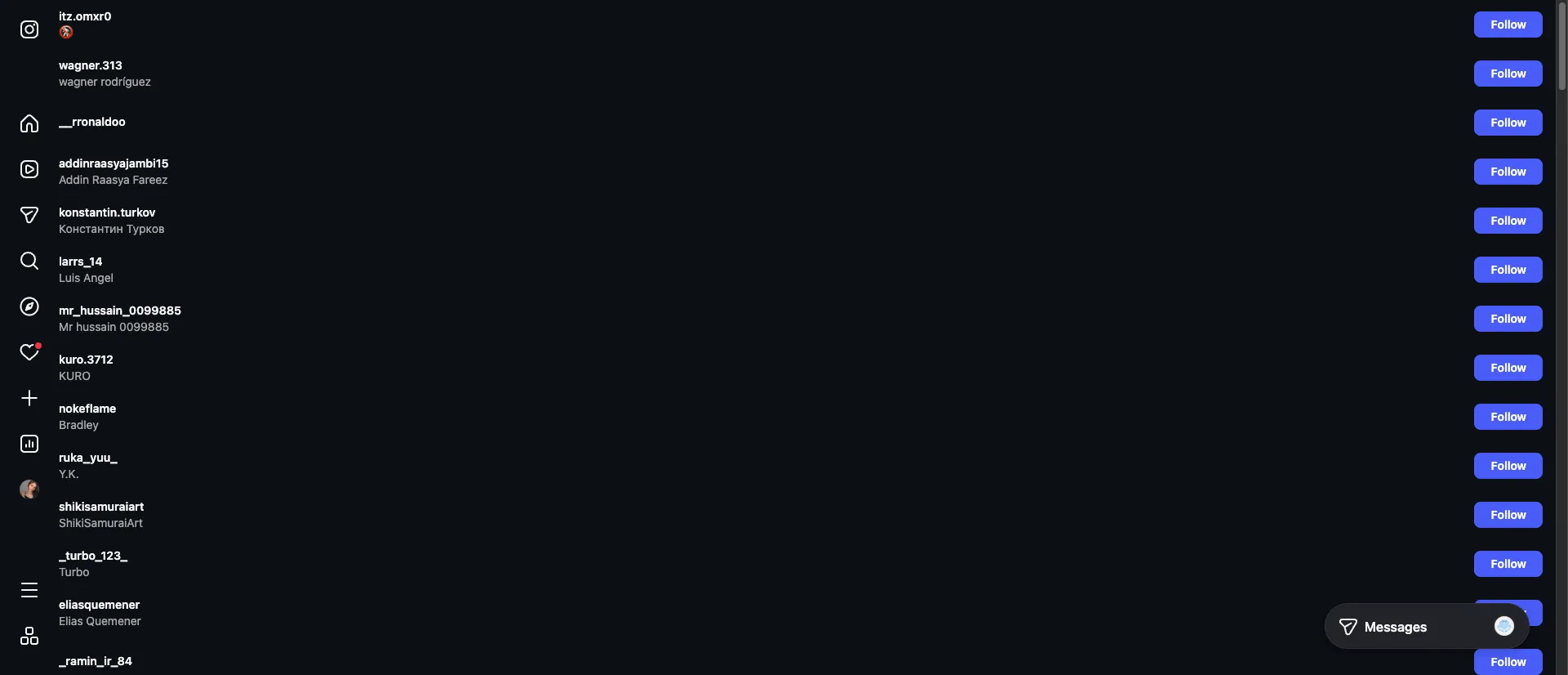
- Search for the person’s username in the likes list
The ability to instagram follower tracker helps you maintain a healthy Instagram presence.
Limitations:
- You need to know which post to check
- Private accounts won’t show likes unless you follow them
- Some users hide their like counts
Learning how to instagram follower tracker is essential for serious Instagram users.
Method 2: View Your Own Liked Posts
You can easily see everything YOU’VE liked on Instagram.
Steps:
- Go to your profile
- Tap the menu (☰) in the top right
- Select Your Activity
- Tap Interactions → Likes
If you want to instagram follower tracker, consider using browser-based tools for safety.
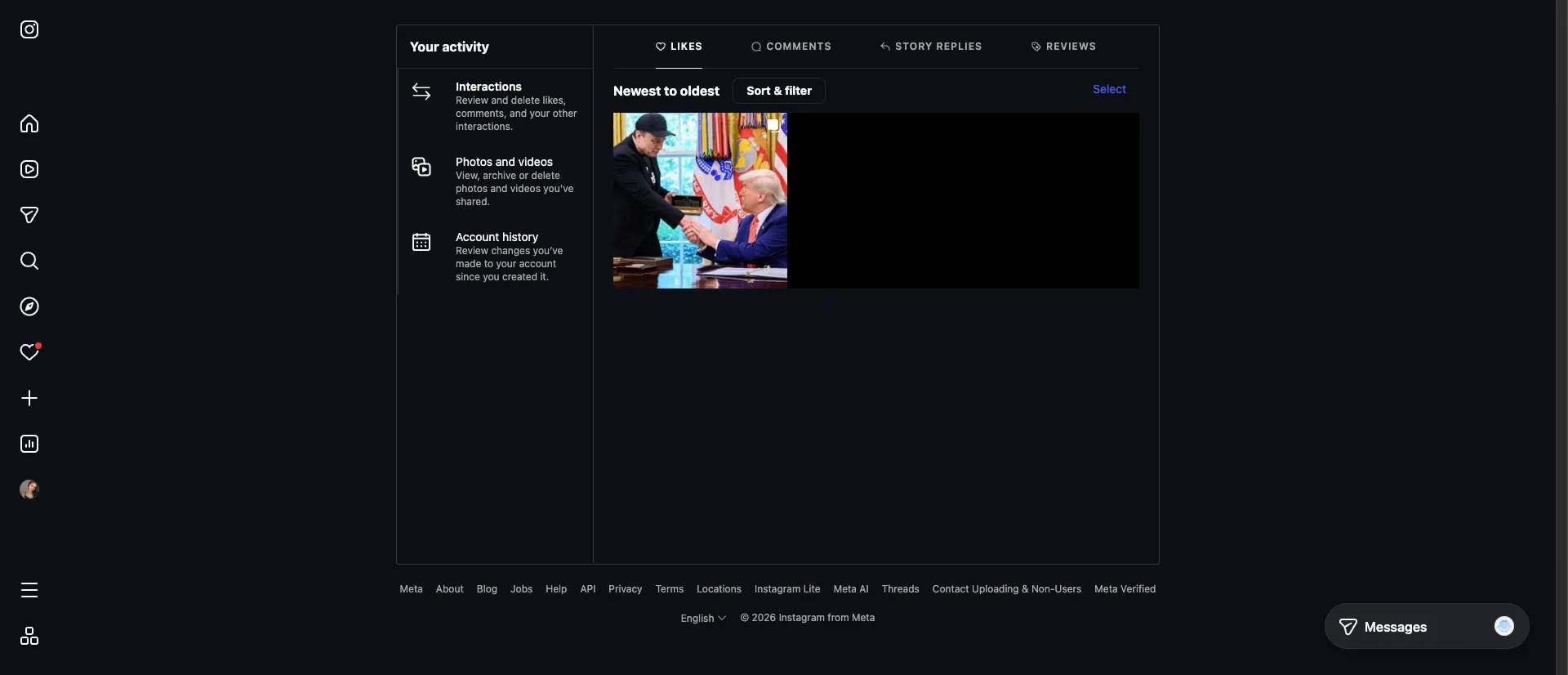
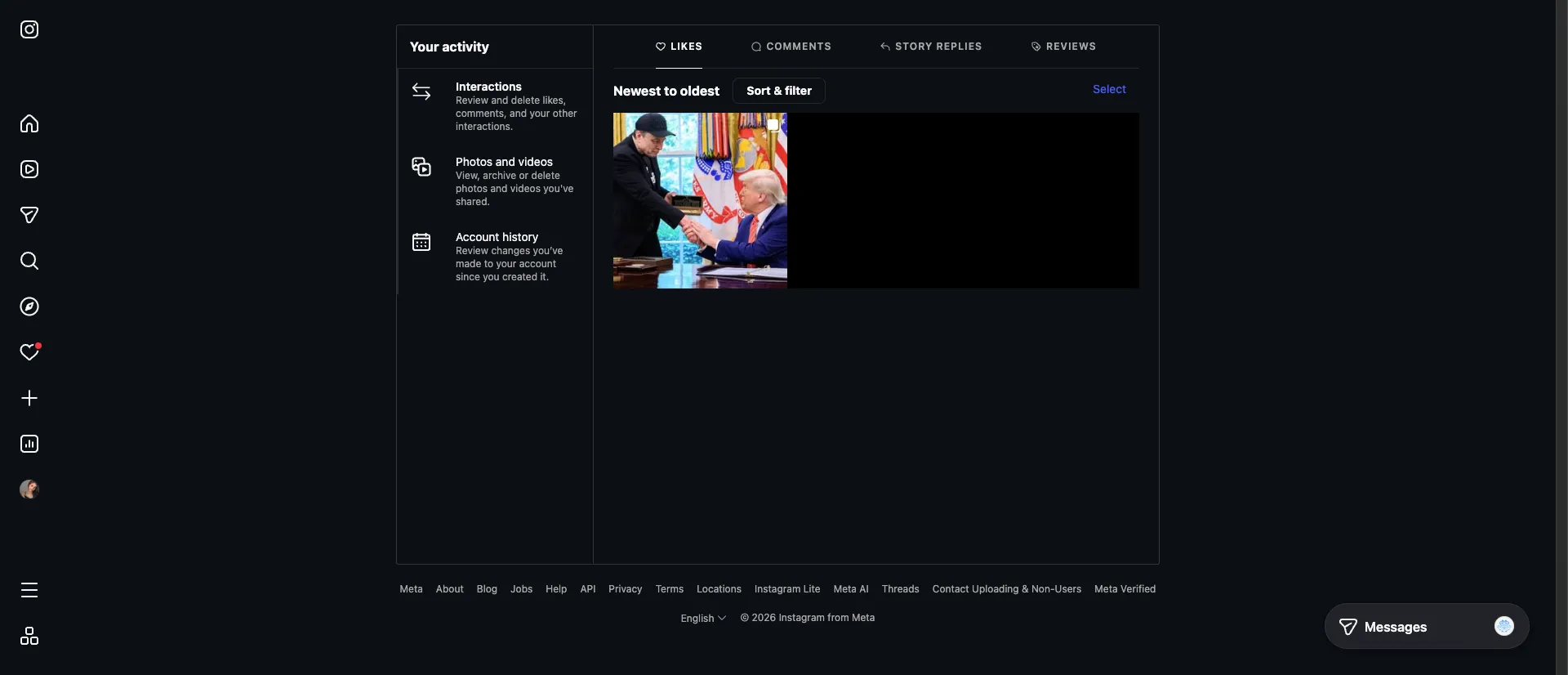
Here you’ll find your 300 most recent likes. You can filter by:
- Date range
- Content type (Posts, Reels, Threads)
- Sort order (newest/oldest)
Pro tip: Want ALL your likes? Go to Settings → Your Activity → Download Your Information → Select “Likes” → Request download.
Method 3: Check Who They Follow
Can’t see their likes? Check who they follow instead.
- Go to their profile
- Tap “Following”
- Browse the accounts they follow
This gives you insight into their interests without needing to see specific likes.
What About Third-Party Apps?
Don’t use them. Here’s why:
- They don’t work — Instagram’s API doesn’t allow this
- Security risk — They steal your login credentials
- Account ban — Violates Instagram’s Terms of Service
- Scams — Most are fake and just take your money
Apps like “Instagram Stalker” or “Who Viewed My Profile” are all scams. Instagram doesn’t share this data with anyone. To track Instagram activity safely, always use official methods or trusted browser-based tools.
The Only Exception: Snoopreport
Snoopreport is a paid service ($4.99/month) that tracks public account activity. It works by monitoring public data, not by hacking Instagram.
What it shows:
- Posts someone liked (public accounts only)
- Accounts they followed/unfollowed
- Activity patterns
Limitations:
- Only works on public accounts
- Not real-time (weekly reports)
- Costs money
If you’re concerned about privacy and safety when using tracking tools, learn more about safe tracking tools before committing to any service.
FAQ
Can someone see if I liked their photo?
Yes. They get a notification and can see your name in the likes list.
Can I see who viewed my Instagram profile?
No. Instagram doesn’t have this feature. Any app claiming otherwise is fake.
Did Instagram bring back the activity tab?
No. The “Following Activity” tab was removed in 2019 and hasn’t returned.
Can I see what my boyfriend/girlfriend likes?
Only by checking specific posts. There’s no way to see a complete list of their likes.
How do I hide my likes from others?
You can’t hide individual likes, but you can make your account private so only followers see your activity.
Bottom Line
Instagram intentionally limits what you can see about others’ activity. The only legitimate options are:
- Check specific posts for someone’s like
- View your own likes in Your Activity
- Use Snoopreport for public accounts (paid)
Focus on your own Instagram experience instead of monitoring others. If you want to track who unfollowed you, try Unfollowers Tracker — it shows who unfollowed you without any of the privacy concerns.
Related Reading
- How to See Who Someone Recently Followed on Instagram
- Instagram Analytics: Track Your Follower Growth
- Best Instagram Unfollower Tracker 2026
Want to see who unfollowed you on Instagram? Download Unfollowers Tracker — it’s free and doesn’t require your password.